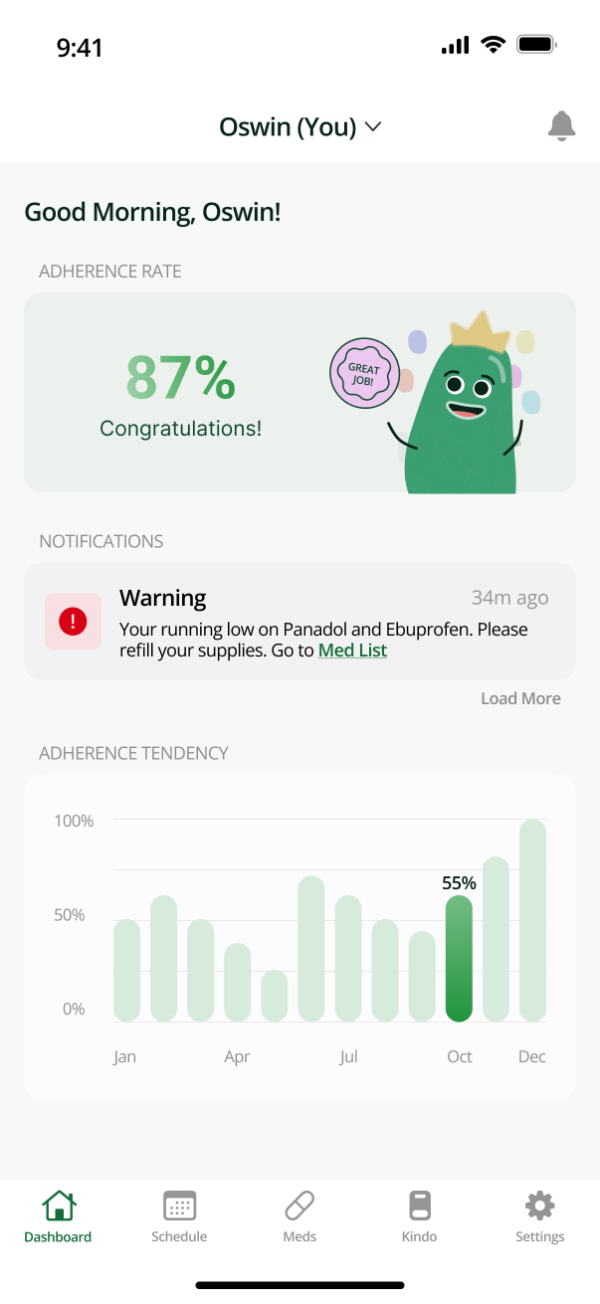
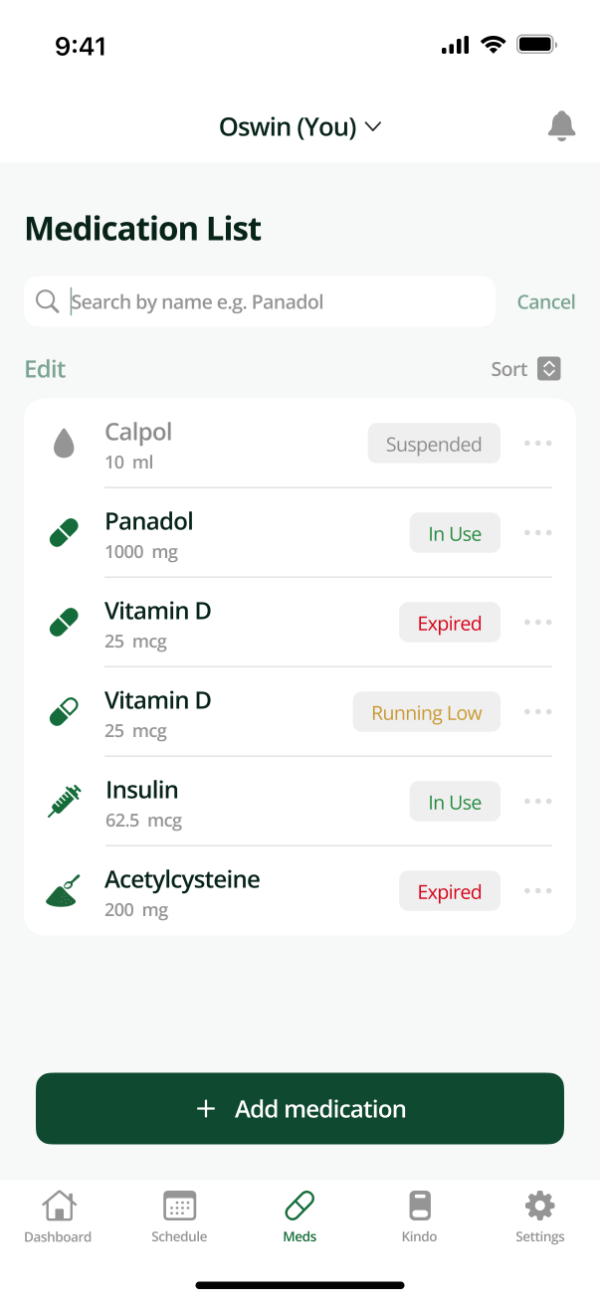
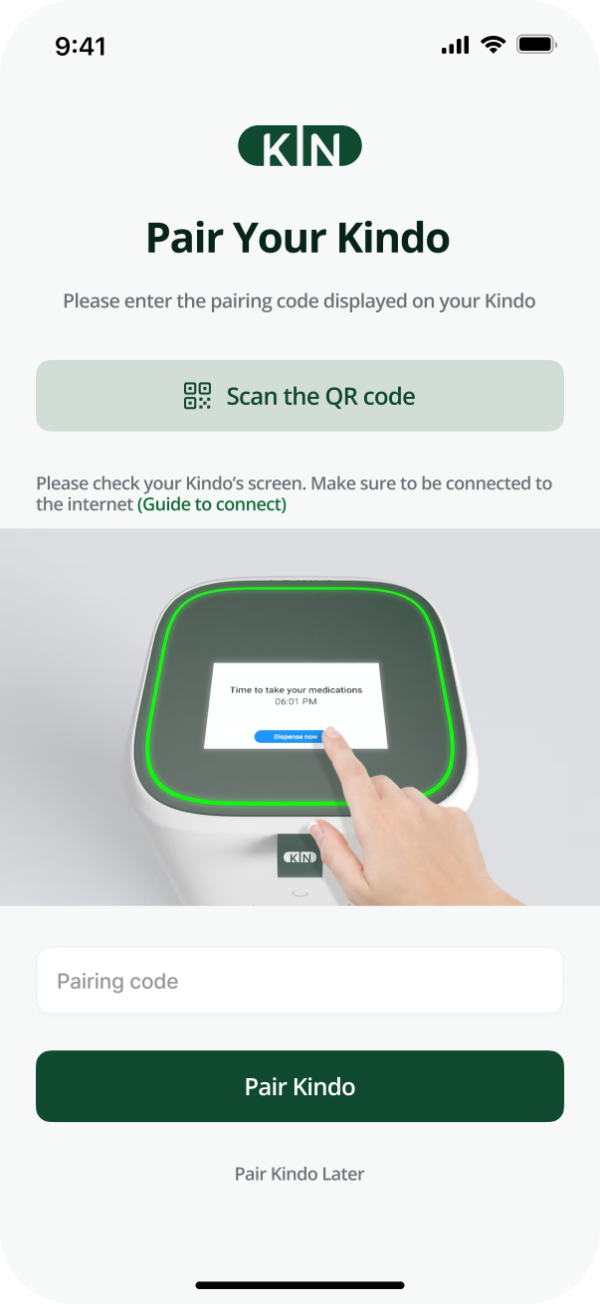
I designed their main website, the web app individual mode, and the web app organisation mode
This case study features my biggest project of the three — the mobile application, Kin App.
100+screens designed in one summer
10user interviews behind the mobile MVP
2,000users got the redesigned website (first batch)
focal point of this case studyMobile App
Individual mode, for patients and their caregivers. Everything from Kindo settings to adding a new medication into the system happens here.
Organisation mode and the marketing site are covered in the design file — shareable on request.
overview
Redesigned and restructured the app’s main functionalities to improve UI and enhance user experience
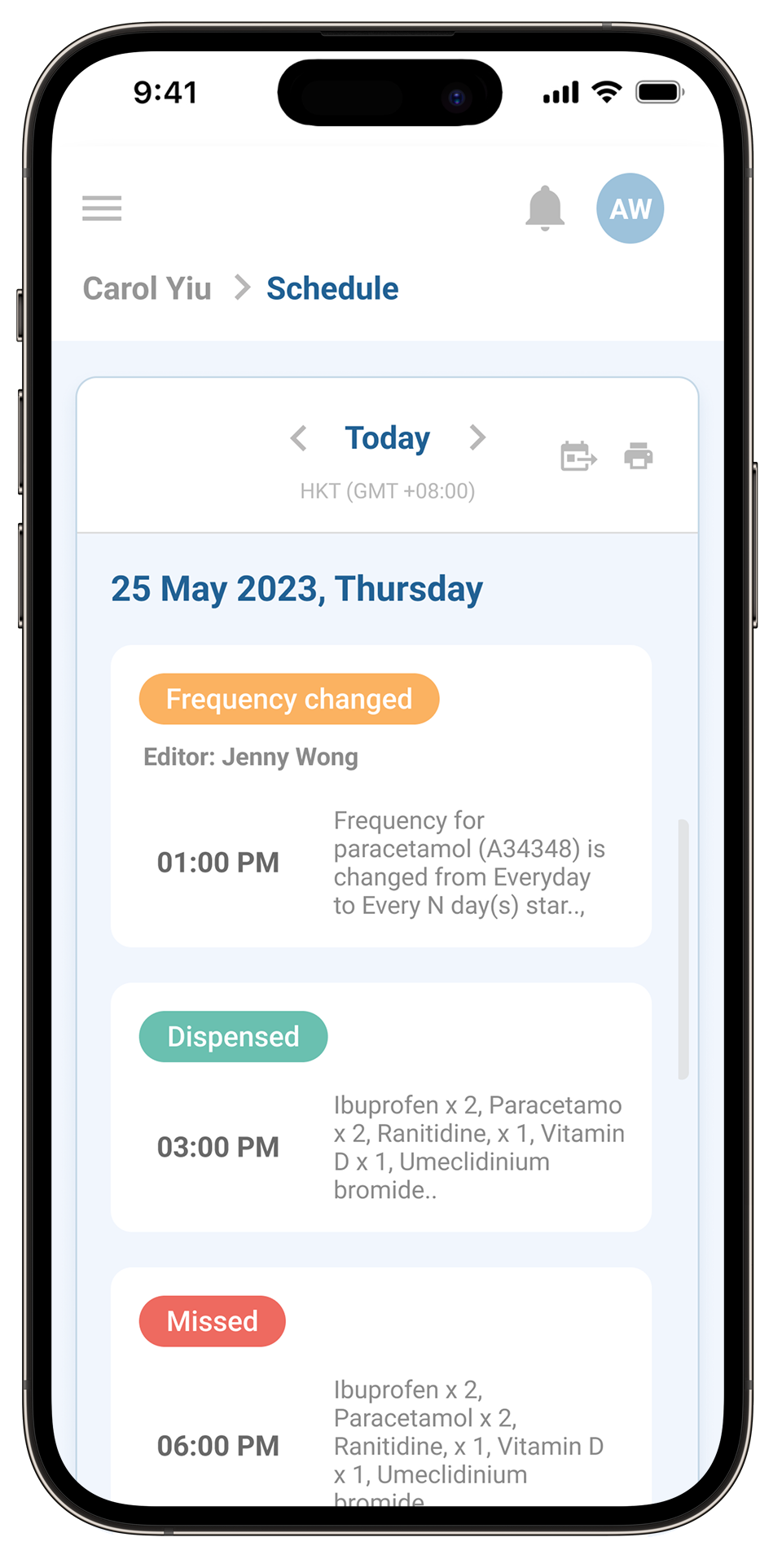
beforeOriginal design
—The old design looked as if a desktop version had been shrunk to fit a mobile device
—Many features were not developed yet, so I remade the entire architecture of the app
—Overall brand visuals seemed weak, and needed polishing
↔
beforeafter
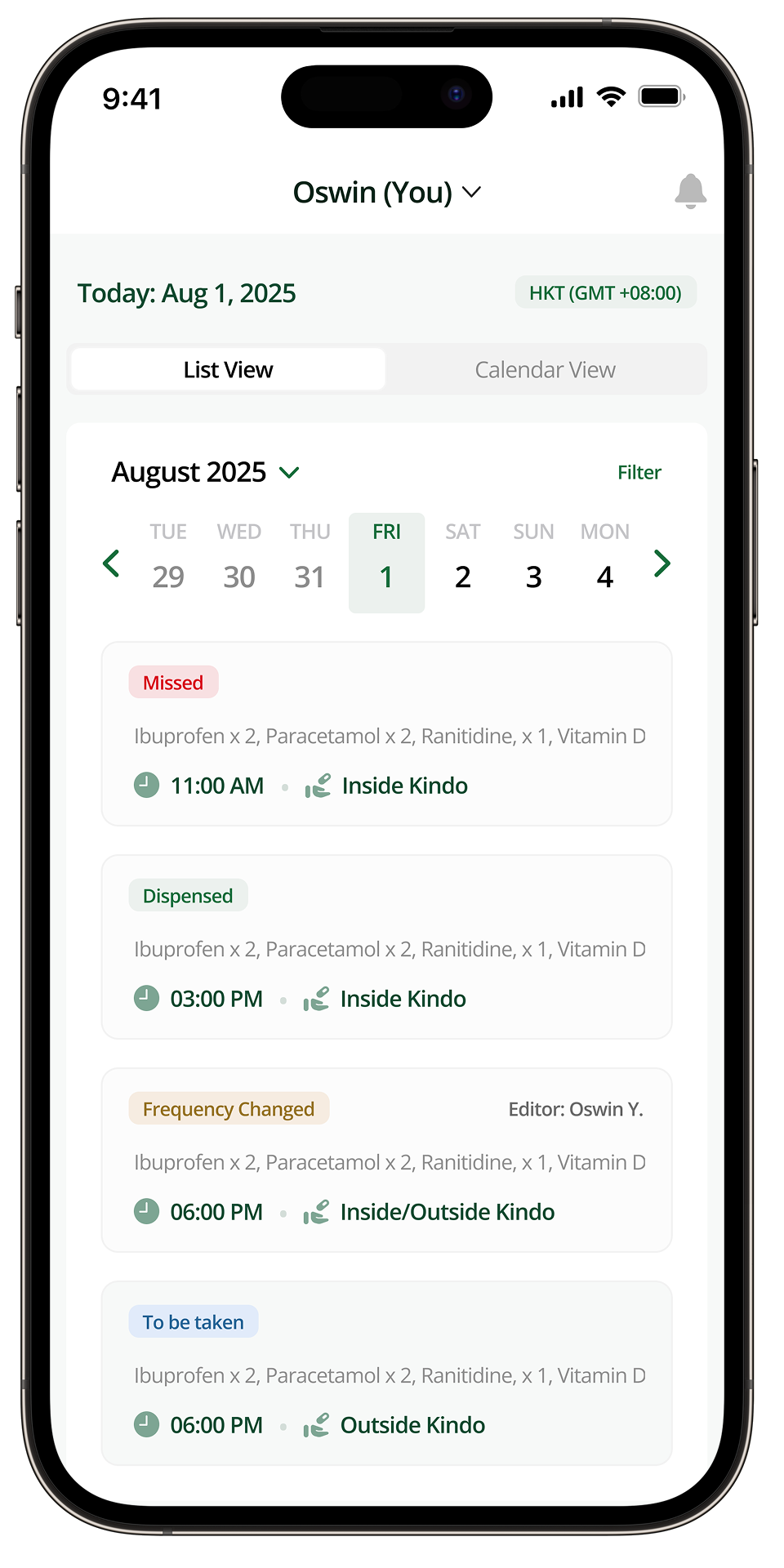
afterRedesign
—The new design was made in consideration of iOS guidelines and elements
—The colour scheme, the font and the icons were all remade to be in sync
—All the features are strategically placed for an easy user experience
Drag the handle to comparebackground
Nonadherence to prescribed treatment causes 100,000+ preventable deaths
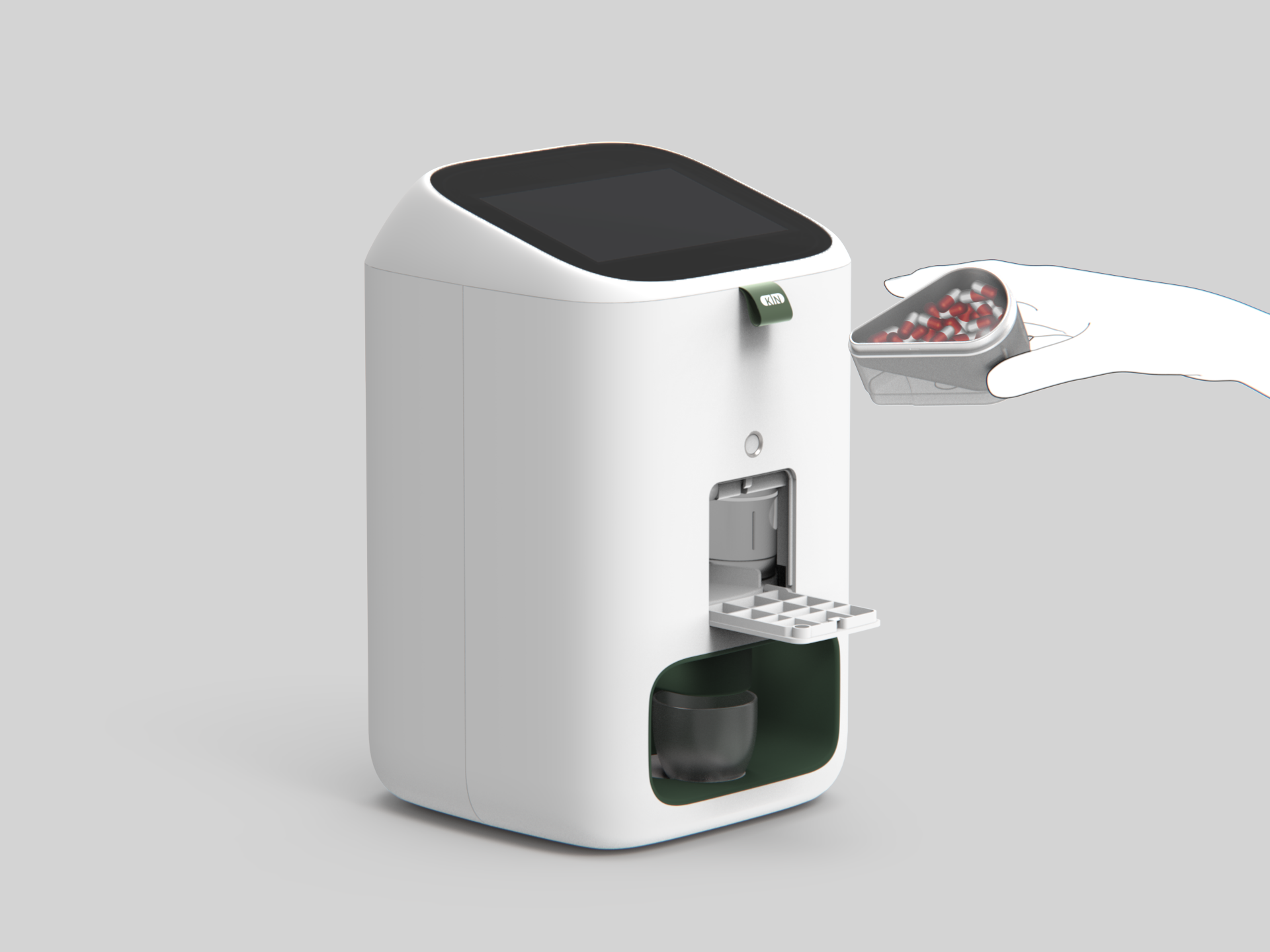
The Kin Technology team, led by CEO Oswin Yeung, developed a device called Kindo that dispenses medication based on the patient’s pre-downloaded schedule. Everything can be managed through the app: from Kindo settings to adding a new medication into the system.
What does the app do?
Manage medsSends smart reminders, tracks adherence rates, controls Kindo remotely, and more.
Who is the app for?
Elderly patientsAnd also patients with chronic diseases, caregivers, and medical organisations.
What visuals align with the app’s goals?
CleanAnd also simple, playful, intuitive. The app needs to capture the feeling of companionship.
the hardwareThe KindoA physical dispenser that releases the right medication at the right time. The app is its brain — which meant designing for a screen and a machine at once.
main features
I designed the app’s five core features
The app is currently at MVP stage. Official launch is expected in Q1 2026.
feature 01Schedule & History
Users can check past dispense activities as well as future sessions, to make sure they are on track with the treatment.
feature 02Drug Management
Add, edit, suspend or delete a drug when necessary, straight from the mobile app.
feature 03Remote Kindo Control
In case of technical difficulty, users can remotely limit or enable certain Kindo functions to prevent damage to the machine.
user flows
Ideating solutions to solve pain points, then generating the process flow
For every feature I was creating, I had a call with the project manager to discuss the necessary elements and the overall app architecture. Flows were later reviewed by the software engineers and refined to account for feasibility.
Scroll sideways on smaller screens. Dashed nodes link to another part of the app.
Drug list(Drop down) DeleteShow information about the med in one page (scrollable), (CTA) Confirm to proceedPopup to confirm again
(System) Is the medication currently stored in any canister(s)?
Yes, in canister(s)
(System) Canister(s) outside the Kindo (if any)Provide instructions on how to identify, unload, clean and pack the canister safely
Did you complete the instructions?
Confirm
(System) Move on to handle the Canister(s) inside the Kindo (if any)
System detected canister is unloaded!Medication deleted successfully
System detected the med is still not unloadedBack to Med List with the deleting med shown in a incomplete
Proceed Later (they haven’t unloaded the medication yet)Back to Med List with the deleting med shown in a incompleteButton “Finish deleting” next to the drug ↺ back to instructions
No canisterDeletion Complete (med will be removed from the list)
Scroll sideways on smaller screens. If the canister(s) are only inside the Kindo, the flow skips straight to the system step.
Profile Icon
Profile
upload a profile pic
view info
edit info
Log Out
Account
Language
Privacy & Security
DevicesView devicesDisconnect a device
Emailupdate email
Passwordchange/forgot password
Social Accountshow log in method?
Sync calendar
Phone calendar
Google calendar
delete accountshow account infodelete medications one by one
Kindo Household devices (4)Primary Account can join only one Kindo
Manage other users
Add another user using the same KindoInvite by email
Remove a user from this household
Subscription
Notification
Scroll sideways on smaller screens.
visuals
Created a brand that feels welcoming, calm, and associated with health
font & type scaleOpen SansOpen Sans across the whole app, sized to the iOS type scale.
LargeTitle34 / 41 · Bold
Title128 / 34 · Bold
Title222 / 28 · Bold
Title320 / 25 · Semibold
Headline17 / 22 · Semibold
Body17 / 22 · Regular
Callout16 / 21 · Regular
Footnote13 / 18 · Regular
Caption112 / 16 · Medium
colours · click to copy
components · try them
{{ sl.time }}{{ sl.meds }}
medication icons
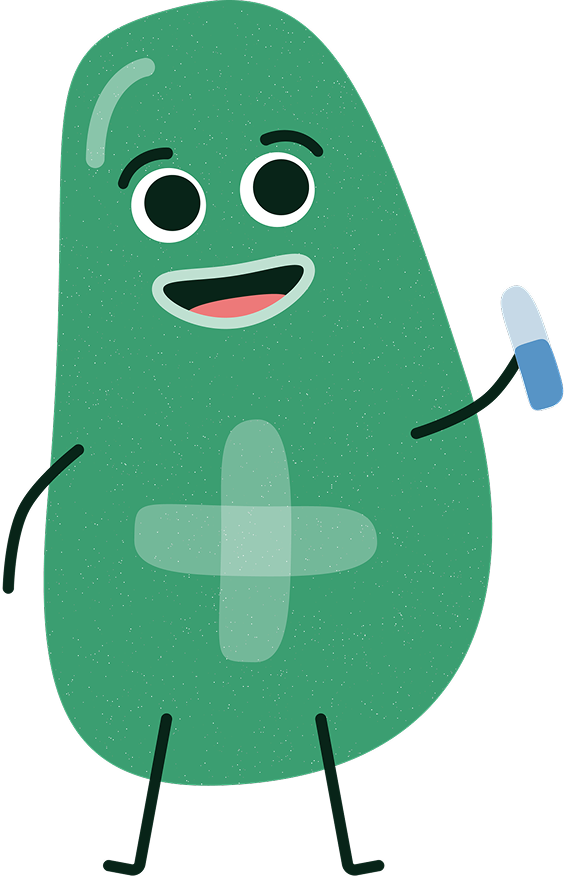
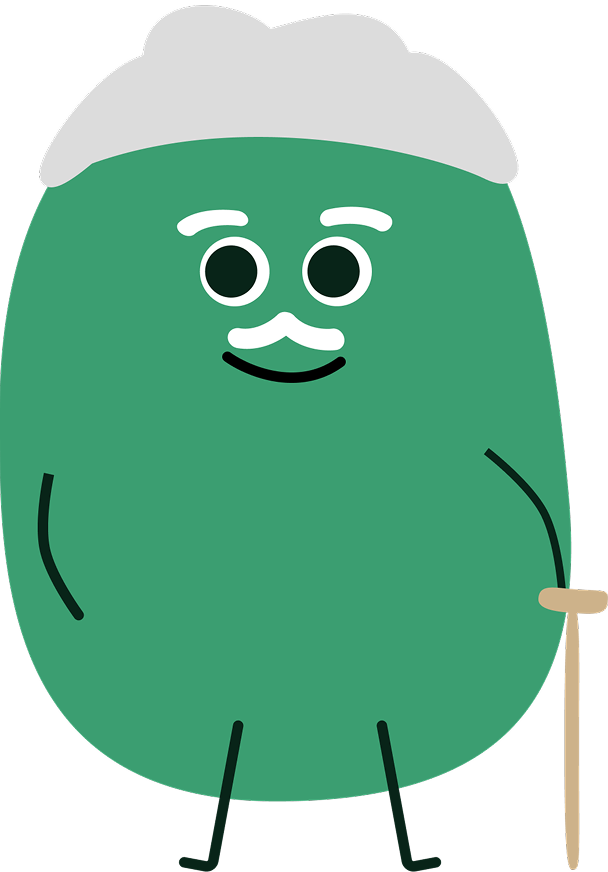
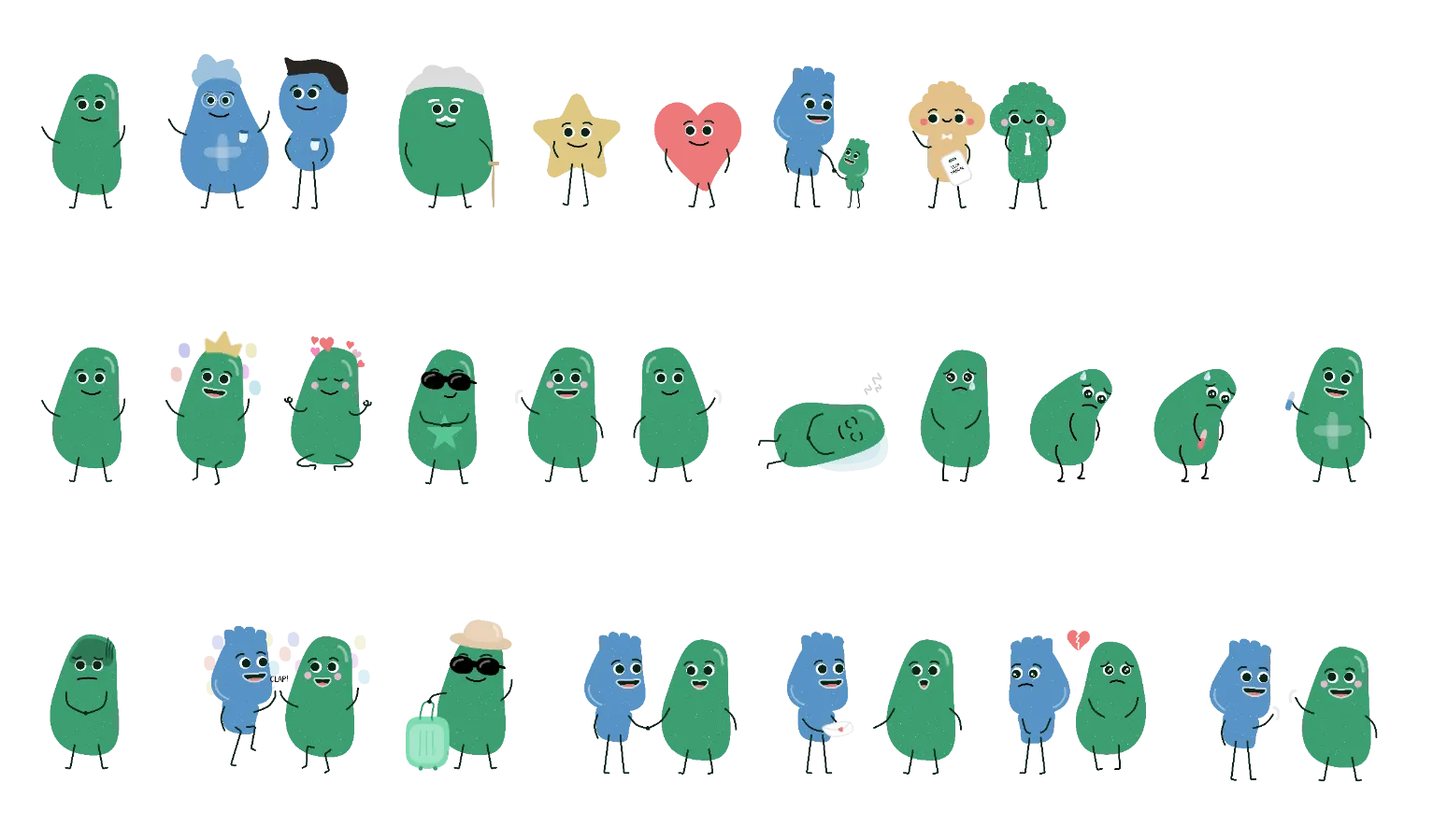
kin characters
Developed a set of characters to make the app experience feel more lively
A total of 7 characters, 10 emotions for the main character, and 7 special scenarios.
prototype
The whole thing, at work
A walkthrough of the final prototype: schedule, medication management and Kindo control, end to end.
the result
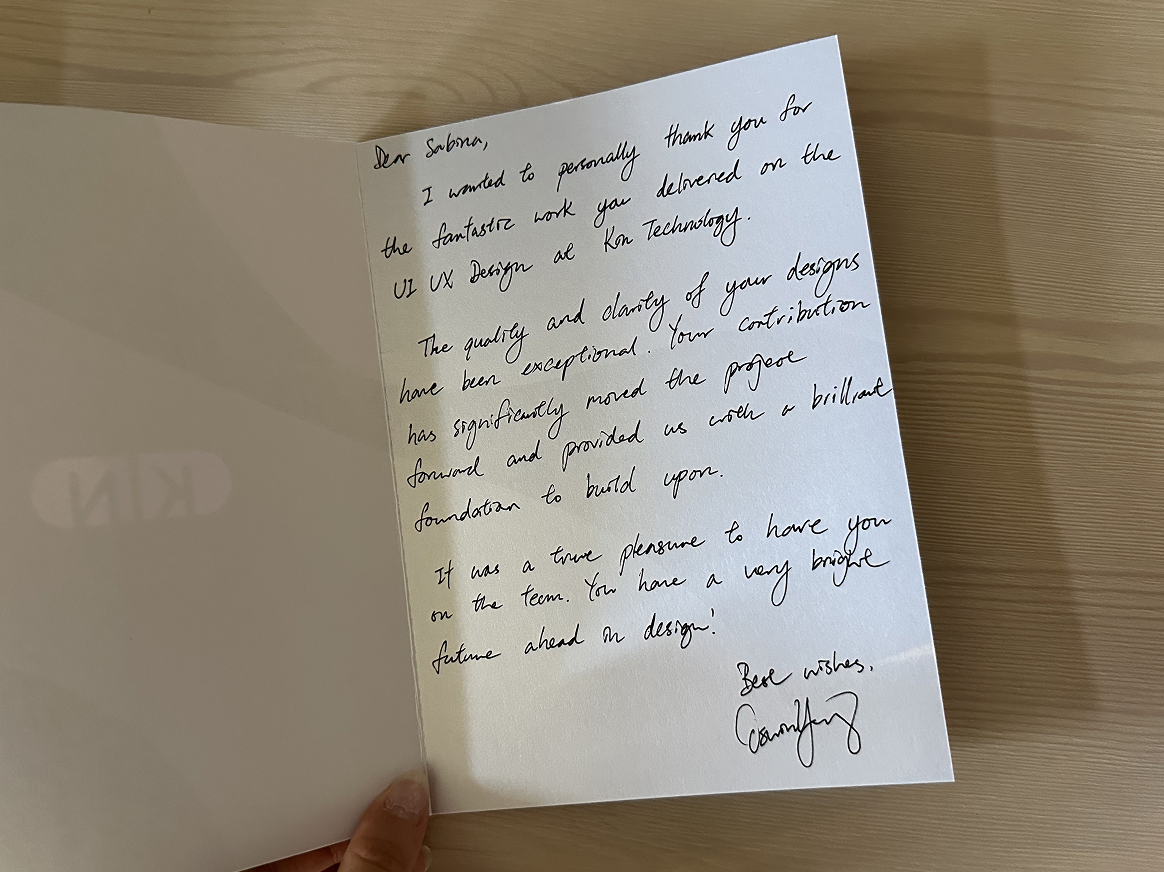
“The quality and clarity of Sabina’s designs have been exceptional. Her contribution has significantly moved the project forward and provided us with a brilliant foundation to build upon.”
Oswin YeungCEO, Kin Healthcare
This was my first time as a lead designer on a project
I am immensely grateful to Kin Technology and their team for giving me a lot of opportunities and flexibility to try myself in various projects.
1
Working with a project managerLong meetings with our project manager and CEO, Oswin, taught me how to brainstorm quickly and translate those ideas into designs in a matter of hours — thanks to deliberate planning.
2
Working with software engineersMeetings with SWEs broadened my understanding of how my designs get built, and how to make them more feasible. There were a lot of non-linear refinements, but thanks to Trello we kept it organised.
3
I became a shareholderAt the end of my summer internship the co-founders offered me an opportunity to become a shareholder. They wanted to preserve my vision within the team, so I now act as an advisor and oversee major design decisions.
4
I managed a product design internThat winter I took part in the hiring process, specifically the technical interview. As lead designer I managed the winter intern for a month, mostly on ad-hoc tasks and translating the mobile version into desktop.
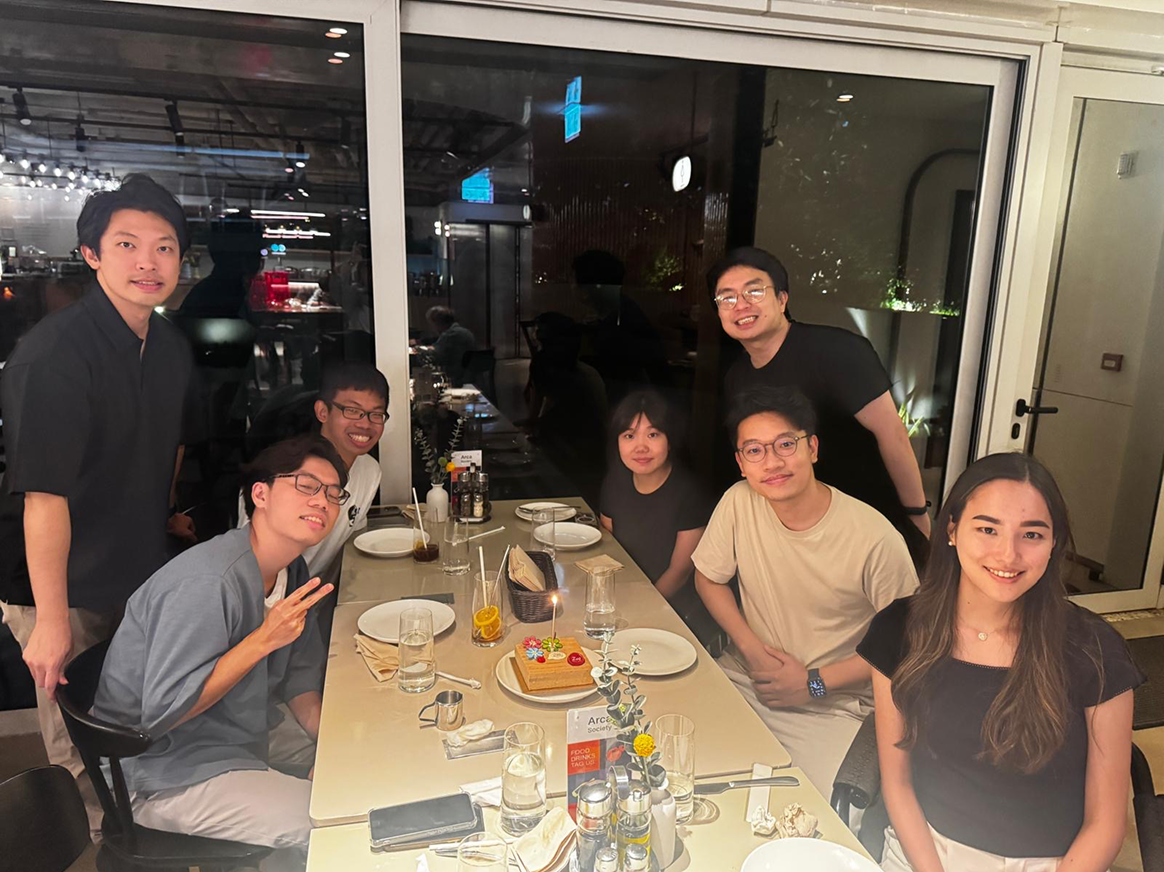
Team dinner in Hong Kong · August 2025
Thank you card from Oswin, CEO · 22 August 2025
Thank you for reading!
Reach out if you have any questions — design files and prototypes can be shared on request.